
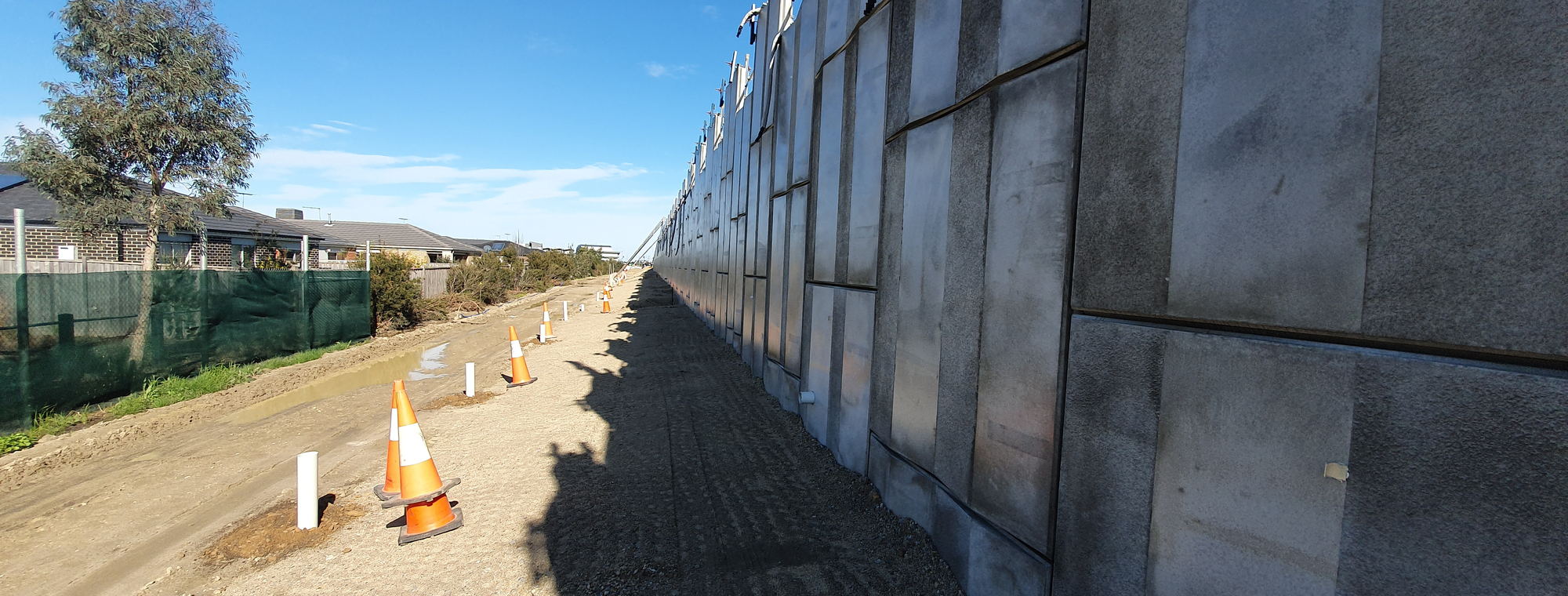
Why the record hangs off the panel
A precast job is not one pour repeated. Each panel is marked, cast and installed on its own, and when one is wrong it is that panel that gets held. Everything else cast that day carries on.
The panel is already the unit, and its mark exists before any software does. The record should hang off the identifier the yard is already using. Ask for PC-1045 and you should get PC-1045.
One pour can cover many panels. Every pre-pour inspection, every pour record, and every photo is owned by the panel. Captured across a Lot, tracked per panel for absolute clarity.
A hold point is a point you nominate on the ITP, not a fixed idea the software brought with it. Work does not move past one until it is signed, and the register shows which are open and which were bypassed.
What gets recorded against the panel
-
ITP and ITRsA prebuilt ITP to start from, with the required ITRs modified to suit the project. Any other ITR is built in the form builder or mapped from the form you already use. The Client's requirements or your own QMP set what has to be inspected, not the software.
-
Pre-pourReinforcement, cover and cast-in items checked and signed before concrete is placed. This is the hold point. Once it is covered, it cannot be inspected.
-
Hold accountabilityA bypassed hold point cannot be backdated. If work went past a hold without its sign-off, the record says so and says when. On paper, in a spreadsheet or in a generic checklist module, the date is a field somebody types.
-
Pour recordA digital pour record behind the panel: what was delivered, what was tested, and the reconciliation between the two. One pour covers many panels and attaches to each of them.
-
Defects and NCRsA defect is raised from the field, triaged immediately in the admin portal, and added to a live-link job pack. A non-conformance runs the same way, against the panel it belongs to. That path is the loop, not a status field that reads closed.
-
MDREvery accepted record lands in the Manufacturer's Data Report as it is signed.
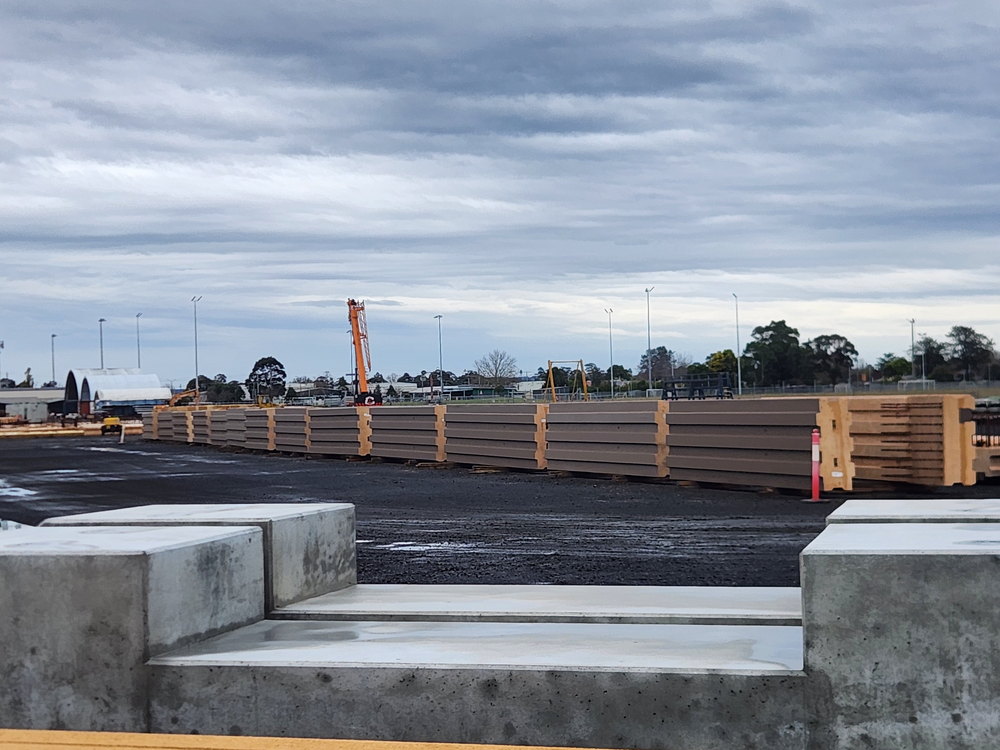
One row per panel
| Panel | Type | Pour record | Pre-pour | ITRs | Status |
|---|---|---|---|---|---|
| PC-1042 | Wall panel | PR-0114 | Signed | 6 of 6 | Dispatched |
| PC-1043 | Wall panel | PR-0114 | Signed | 6 of 6 | Dispatched |
| PC-1044 | Column | PR-0116 | Signed | 5 of 5 | In yard |
| PC-1045 | Spandrel | PR-0118 | Bypassed 14 Mar | 4 of 6 | NCR open |
| PC-1046 | Wall panel | PR-0118 | Signed | 6 of 6 | In yard |
| PC-1047 | Wall panel | Not cast | Open | 0 of 6 | At hold point |
What the programme view cannot answer
Your project management platform has a task called precast erection. It has a start, a finish, a percent complete and a crew against it. For a programme that is the right level of detail. The head contractor needs to know whether erection is tracking, and a bar on a chart answers that.
It is the wrong level for the question the superintendent actually asks, which is never about erection in general. It is about PC-1045. Was its pre-pour inspection signed, and by whom. Which of its ITRs are still open. Why its non-conformance has not closed, and what has to happen before it ships. A percentage cannot be interrogated, because the evidence sits a level below the task, against an element the task does not know exists.
The software is doing what it was built to do. It holds the site programme, and the yard runs to a different clock: a panel is cast weeks before the site needs it. The panel carries its own record from the day it is cast.
With the panel as the unit
- Panel PC-1042's pre-pour inspection, signed, with the photo
- Which of PC-1045's ITRs are complete and which are outstanding
- That its pre-pour hold was bypassed, and the day it happened
- The pour record behind it: what was delivered, what was tested
- Why its NCR is open, who raised it, and what closes it
With the task as the unit
- "Precast erection, 64% complete"
- A pre-pour checklist as a generic form, not tied to the panel
- A hold signed off last Tuesday, typed in this morning
- The conformance certificate in an email attachment
- A hold tracked in a spreadsheet beside the platform
The MDR the contract already asked for
A live MDR is not a nice-to-have. Most contracts of any size already require the Manufacturer's Data Report to be built up as the work proceeds, rather than assembled once the work is done. Many do not work that way. The records exist, in folders, on phones, in somebody's email, and the last month of the job goes on collecting them. FOC Capture tracks every record against its element and its tags from the beginning, so what you hand over is comprehensive rather than reassembled. It is added to the MDR as it is signed, which takes that work off the end of the job.
The same requirements expect a record to still be findable long afterwards, by someone who was not there when it was made. The ISO 19650 container convention was written to answer that, by making the name itself say what the record is. FOC Capture names the records it generates, built from the job data rather than typed: the project, the document type, the author and the revision are all in the name. It does not rename anything you bring. The drawings the yard already numbers its own way keep those numbers: confirm one and the as-built honours it. The identity never changes once it is assigned. Only the status and revision move, from work in progress through sign-off to the locked as-constructed record. The client's information manager gets names their system recognises on sight.
Container codes this work uses
STR Structures. The system code for precast structural elementsCON Concrete works, where the record is about the pour itselfIT The panel's inspection and test recordPR The digital pour record behind the panelCE Certificates: mix designs, accreditations, conformanceNC A non-conformance raised against the panelPH Photo evidence sheets against the panel markRP The conformance report compiled for the client